5 Best POS Apps for Cafes & Coffee Shops (Top Picks 2026)
Read Also: POS Apps for Coffee Shop Businesses 2026 — Including Cloud POS & QRIS Trends
What is a good POS app for a cafe? The most suitable POS app for a *coffee shop* is software that has specific F&B features such as *split bills*, *table management*, raw material inventory tracking (coffee beans/milk), and integrated QR payments. Based on reviews and feature completeness, the current top 5 best coffee shop POS apps are ReBill POS, Moka POS, Olsera, Majoo, and Pawoon, with ReBill POS leading as the most affordable and comprehensive solution for SMEs.
Building a coffee shop business isn't just about brewing a delicious espresso; it’s also about service speed and streamlined operations. Unfortunately, many entrepreneurs get stuck using slow, error-prone coffee shop POS systems that lack accurate recipe management features.
If you are looking for cafe POS app recommendations, you are in the right place. This article will dissect the 5 best POS apps for cafes & coffee shops, complete with feature breakdowns, software comparisons, and setup cost estimates.
What are the Must-Have Features of a Cafe POS App?
Read Also: Cheap POS Apps 2026: Cost-Effective and Complete Solutions for SMEs
Before choosing, you need to understand how a cafe cash register system works. Unlike regular retail stores, a cafe POS program requires specific specifications. Here are the mandatory features:
1. Table Management & Split Bill: This feature is mandatory for *dine-in* services. How do you split a bill at a cafe register? The POS system must be able to easily separate bills within one table if customers want to pay individually. 2. Ingredient Inventory (Recipe Management): You must be able to monitor coffee bean stock directly from the POS app in grams or milliliters. This is crucial as a POS software for calculating coffee COGS (Cost of Goods Sold) to maintain profitability. 3. QR Ordering & Payment Integration: A QR ordering cafe POS system speeds up the ordering process. Furthermore, a coffee shop POS integrated with EDC and QR payments will prevent long checkout queues. 4. KDS (Kitchen Display System) Support: This ensures that orders from the coffee shop cash register instantly appear on the barista's or kitchen's screen without relying on easily lost paper order slips. 5. Customer Loyalty System (Member Points): A feature to store loyal customer data and distribute promotional offers.
Top 5 Coffee Shop POS Apps List 2026
Read Also: Customer Membership Programs 2026: Hassle-Free Loyalty Strategies for F&B & SMEs
Many ask, what POS app do coffee shops use most often? Here is a review and comparison of the most popular coffee shop POS apps on the market:
1. ReBill POS (Top Recommendation for Cafes & SMEs)
As a highly rated cafe POS app, ReBill ranks first because it is specifically designed to address the *pain points* of F&B business owners. If you are looking for a POS app for a small to medium-sized cafe, ReBill is the champion.
- ReBill POS Advantages for Cafes: It features a highly accurate cafe POS ingredient management system, dynamic table management, and seamless split billing. The interface is very user-friendly, allowing new cashiers to understand it immediately.
- Performance: It is an anti-lag cafe POS app that can also function as an offline coffee shop POS app (endures internet outages and syncs data once back online).
- Security: Highly effective as a POS app to prevent employee fraud and stop cafe cash leaks thanks to its multi-user access rights.
- Pricing: Compared to competitors, the coffee shop POS subscription fee from ReBill is highly reasonable, making it the most cost-efficient SME cafe POS app without hidden fees.
2. Moka POS
The Moka POS cafe app is quite well-known among F&B entrepreneurs. Its interface is elegant and suitable for large-scale cafes.
- Pros: This POS system for cafes boasts a vast ecosystem and comprehensive reporting.
- Cons: The price of this cafe POS app falls into the premium category, which might feel heavy for a newly launched coffee shop.
3. Olsera POS
Many business owners compare Olsera vs ReBill POS. Olsera is also a reliable cafe POS app featuring O2O (Online to Offline) capabilities.
- Pros: Excellent at integrating online ordering with dine-in systems.
- Cons: Some users find the initial setup for menus and recipes to be quite complex.
4. Majoo
The Majoo POS app for coffee shops offers an *all-in-one* solution, including employee attendance and an owner's dashboard app.
- Pros: Suitable if you are looking for a cheap complete cafe POS package integrated with various operational support apps.
- Cons: Because its features are massive, the app can sometimes feel heavy on low-spec coffee shop cashier tablets.
5. Pawoon
For those seeking simplicity, the Pawoon cafe POS app can be a great cafe POS alternative.
- Pros: Fast checkout process, making it perfect for modern coffee stalls (warkop) or *to-go* coffee shops.
- Cons: The table management and ingredient recipe features are not as detailed as ReBill POS.
Coffee Shop POS App Comparison Table
Read Also: The Complete Guide to Warehouse Stock Opname: SOPs, Steps, & Report Examples
To make it easier for you to choose a POS app for your coffee shop, check out the following core feature comparison table:
| Features / POS App Name | ReBill POS | Moka POS | Olsera | Majoo | Pawoon |
|---|---|---|---|---|---|
| Table Management & Split Bill | ✅ Highly Detailed | ✅ Yes | ✅ Yes | ✅ Yes | ⚠️ Limited |
| Inventory & Recipes (COGS) | ✅ Accurate (Gram/ml) | ✅ Yes | ✅ Yes | ✅ Yes | ⚠️ Basic |
| QR Table Ordering | ✅ Built-in | ⚠️ Add-on / Integrates | ⚠️ Integrates | ⚠️ Integrates | ⚠️ Integrates |
| Reservation | ✅ Built-in | ⚠️ Integrates | ⚠️ Integrates | ⚠️ Integrates | ⚠️ Integrates |
| QR Payment | ✅ Built-in | ✅ Yes | ✅ Yes | ✅ Yes | ✅ Yes |
| KDS (Kitchen Display System) | ✅ Built-in | ⚠️ Integrates | ⚠️ Integrates | ⚠️ Integrates | ⚠️ Integrates |
| Customer Loyalty System | ✅ Built-in | ✅ Yes | ✅ Yes | ✅ Yes | ⚠️ Limited |
| Multi-Branch Access | ✅ Easy to monitor | ✅ Yes | ✅ Yes | ✅ Yes | ✅ Yes |
| Suitability for SMEs | ⭐⭐⭐⭐⭐ (Best) | ⭐⭐⭐ | ⭐⭐⭐⭐ | ⭐⭐⭐⭐ | ⭐⭐⭐⭐ |
How Much Does a Cafe Cash Register Cost?
Read Also: 10 MUST-HAVE Features in a Restaurant POS App to Maximize Profits
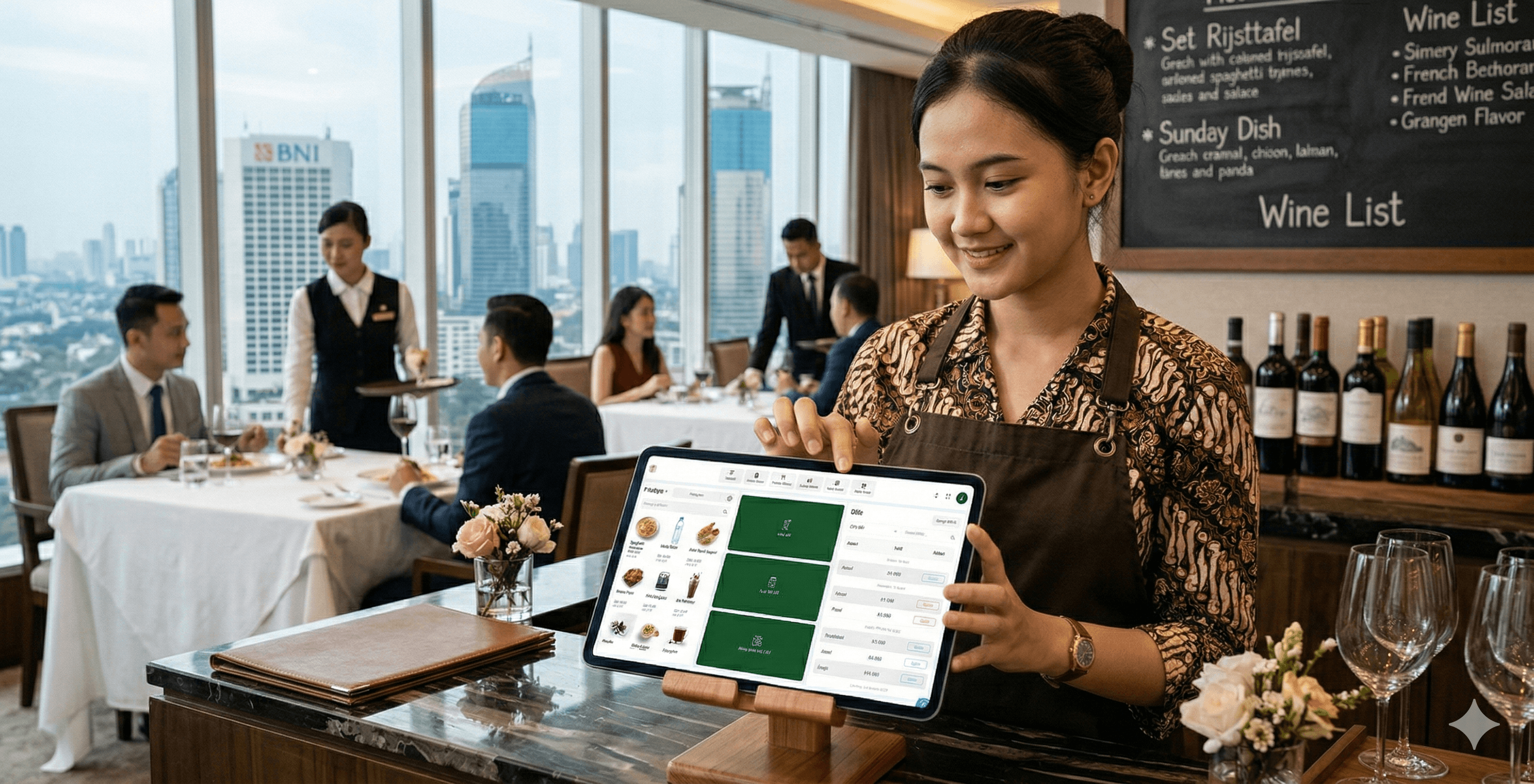
Why does a coffee shop need a POS system? Because manual paper recording inevitably leads to losses. So, what is the setup cost for a coffee shop cash register? You don't need to buy expensive, bulky computer hardware. Today, using a cafe POS app on a phone or tablet is incredibly easy. Here is an estimate for a complete cafe POS equipment setup:
1. Android Device for Cafe: You can use a coffee shop cashier tablet (Android/iOS). The range is roughly Rp 1,500,000 - Rp 3,000.000 (A minimum of 3GB RAM is highly recommended for smooth operation). 2. Cafe Thermal Receipt Printer: Buy one that supports a Bluetooth printer POS app (around Rp 250,000 - Rp 500,000). Setting up a cafe receipt printer today is as easy as pairing Bluetooth headphones. 3. Cafe Cash Drawer: Automatically opens when a transaction is completed (around Rp 300,000). 4. POS App Software: Avoid free cafe POS apps that have many limitations or free coffee shop POS apps that constantly show ads. Choose an affordable cafe POS system like ReBill POS.
With a total budget of just around 2 to 3 million IDR, you can already get a coffee shop cash register package that looks luxurious and professional on your bar counter.
Conclusion
Read Also: Get to Know the 15 Best Indonesian POS Apps 2026 (Android & Cloud POS)
Finding the best POS app for both beginners and professionals is the key to running smooth operations. Generating automatic cafe financial reports, resolving cafe cashier queues, and monitoring cafe sales remotely can all be solved by the right point of sale system.
From various reviews and cafe POS app comparisons, ReBill POS has proven to be the most ideal restaurant and cafe POS app. With a modern interface, specific coffee shop features, and SME-friendly pricing, ReBill POS is ready to help your coffee shop skyrocket.
Leave behind outdated methods that are prone to leaks. Use ReBill POS today and experience what a truly smart coffee shop cash register feels like!